Overview
The best starting point is to reduce visual noise first: turn motion blur off, avoid overly blurry upscaling, lower expensive effects, and keep enough view distance to read the battlefield. For most players, Hell Let Loose Vietnam best settings are not only about higher FPS; they are also about seeing movement in jungle, hearing callouts, and keeping input responsive.
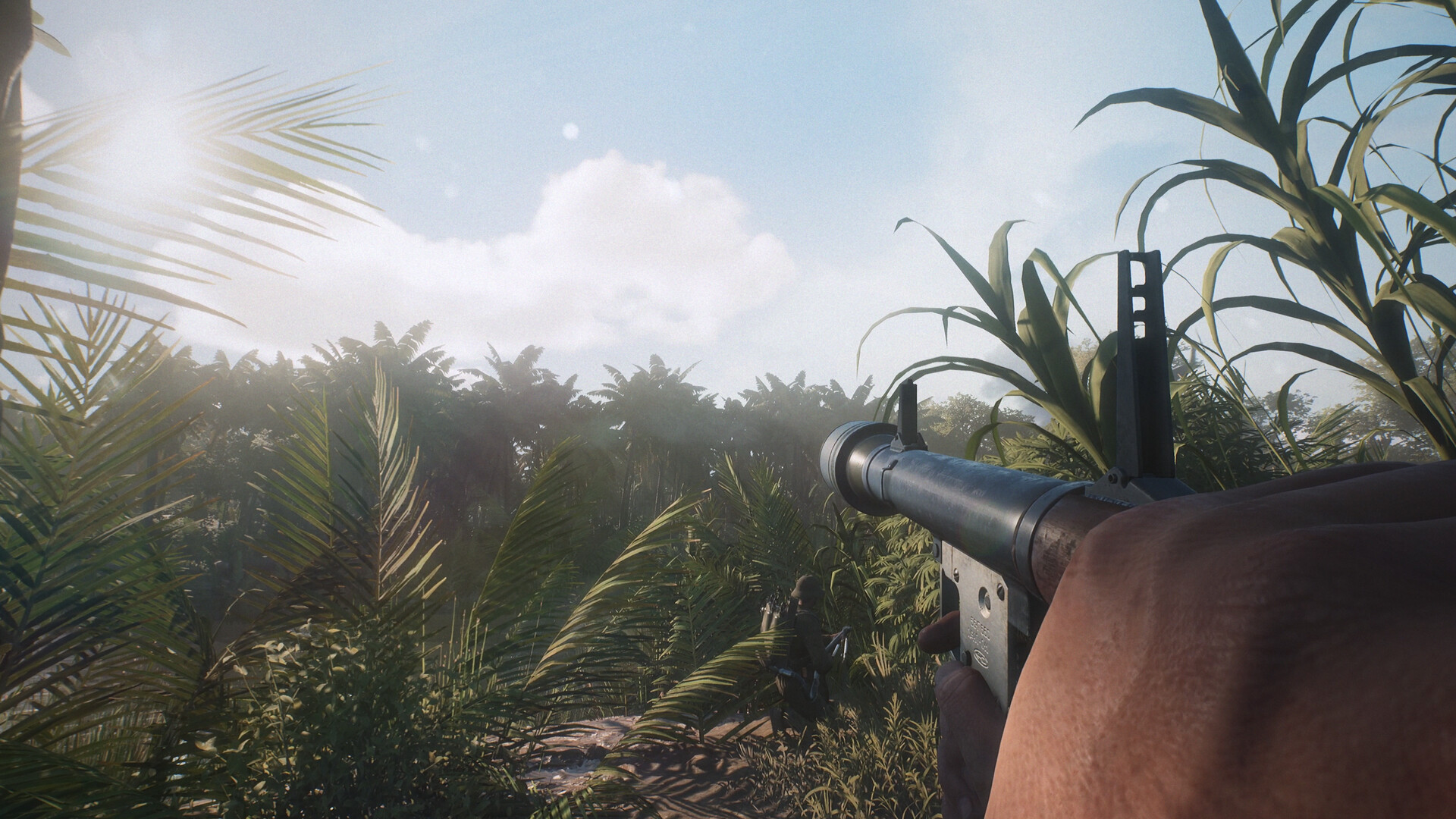
Start with the stable settings first: turn motion blur off, lower Post Processing, reduce Hardware Lumen if performance is weak, and enable Nvidia Reflex Low Latency when available. Exact FPS gains vary by hardware and match conditions, so test changes in a busy match rather than judging from the menu.
Quick Recommended Baseline
Use Fullscreen if available, set resolution scale to 100%, and start with a Custom preset instead of relying on Master Quality. Keep Texture Quality as high as your VRAM can handle, but lower FX, Reflections, Post Processing, SSAO, and Motion Blur first. If you are using Nvidia, use DLSS with DLAA for quality, or DLSS Quality if you need more FPS.
For non-DLSS setups, TSR can be used with resolution scale at 100% and anti-aliasing quality set high or epic depending on performance. Avoid pushing upscaling below Quality at 1080p or 1440p unless you accept blur and possible visual artifacts. If the game feels unstable, prioritize a cleaner image over maximum settings.
Graphics Settings That Matter Most
| Setting | Safer Starting Point | Why It Matters |
|---|---|---|
| Motion Blur | Off | Improves clarity and is repeatedly recommended off. |
| Post Processing | Low or High | Lower values can improve performance; one creator found a major jump from Epic to High. |
| FX Quality | Low to Medium | One of the stronger performance levers. |
| Reflection Quality | Low to Medium | Medium keeps more reflections; Low removes many for performance. |
| Hardware Lumen | Low or Off | Low keeps some visual improvement; Off can help FPS. |
| SSAO | Off or High | Off helps performance; High keeps a cleaner visual option. |
| View Distance | Medium to High | Keep enough distance for spotting, but reduce if performance suffers. |
Shadows, shading, global illumination, and landscape quality are described as lower-impact in creator testing, but hardware will vary. The practical order is simple: disable blur, lower post processing and FX, then adjust Lumen and reflections. If stutter appears after raising textures, lower textures before changing everything else.
Visibility Settings for Jungle Combat
Visibility is a real gameplay concern because dense foliage, haze, muzzle smoke, and long sightlines make enemies difficult to separate from the background. Turn motion blur off first, then tune FOV and image reconstruction so the jungle does not become smeared or overly soft.
FOV 103, ADS FOV 75, Camera Motion Off, and long team/unit/vehicle nameplate view distances are useful starting points. Treat exact FOV numbers as preference rather than universal truth. If targets feel too small, lower FOV slightly; if awareness feels cramped, raise it gradually.
Upscaling: DLSS, TSR, and FXAA
FXAA, TSR, and DLSS are the main image reconstruction paths to check in the settings menu. For Nvidia users, DLSS Quality is the safer performance option, while DLAA is the cleaner image option if FPS remains stable. Going below Quality can make the image too soft, especially at 1080p or 1440p.
TSR should generally start at 100% resolution scale with high or epic anti-aliasing quality. If you adjust TSR sliders, test in a busy area rather than the main menu. The goal is not the highest benchmark number; it is a stable image when smoke, foliage, helicopters, boats, and 50v50 fighting hit at the same time.
Controls, Controller Support, and Push to Talk
Before your first full match, inspect sensitivity, ADS sensitivity, aim assist, dead zones, vibration, microphone input, and voice mode. These settings affect combat feel more than they first appear, especially when enemies are hard to see through foliage.
For push to talk, treat voice as a core setting, not an optional extra. Hell Let Loose: Vietnam relies on squad and proximity communication, so make sure your microphone input works before joining a squad. If the game offers open mic and push-to-talk choices, push to talk is usually safer for public squads because it avoids background noise while still letting you call out enemies, tanks, boats, tunnels, and spawn threats.
Optional Windows and Nvidia Tweaks
Safer Windows-side options include enabling Windows Game Mode, setting the game to high performance GPU preference, disabling unnecessary startup apps, and using Nvidia low-latency or performance-oriented settings if available. Avoid aggressive system changes unless you know how to revert them.
Do not apply every OS tweak at once. Change one group of settings, test a full match, then continue if the result is stable. If performance becomes worse, revert the last change before adjusting the next category.